
Installing AntiSpam Agents such as Recipient Filter Agent, Sender Filter Agent, Sender Id Agent, Content Filter Agent in Exchange server 2016 fails with below error
“[PS] D:\ExchangeDir\Scripts>.\install-AntispamAgents.ps1
A parameter cannot be found that matches parameter name ‘EscalationTeam’.
+ CategoryInfo : InvalidArgument: (:) [Install-TransportAgent],
ParameterBindingException
+ FullyQualifiedErrorId : NamedParameterNotFound,Install-TransportAgent
+ PSComputerName : ServerName.local”

Solution:
Open the Exchange installation directory and go to <Exchange dir.>\Scripts folder and find the Install-AntiSpamAgents.ps1 Script.
Edit the script file and remove the “-EscalationTeam “AntiSpam”” line highlighted in Red.
install-TransportAgent -Name:$name -TransportAgentFactory:$factory -AssemblyPath:$agentAssembly -TransportService $transportService -EscalationTeam “AntiSpam”; > $null
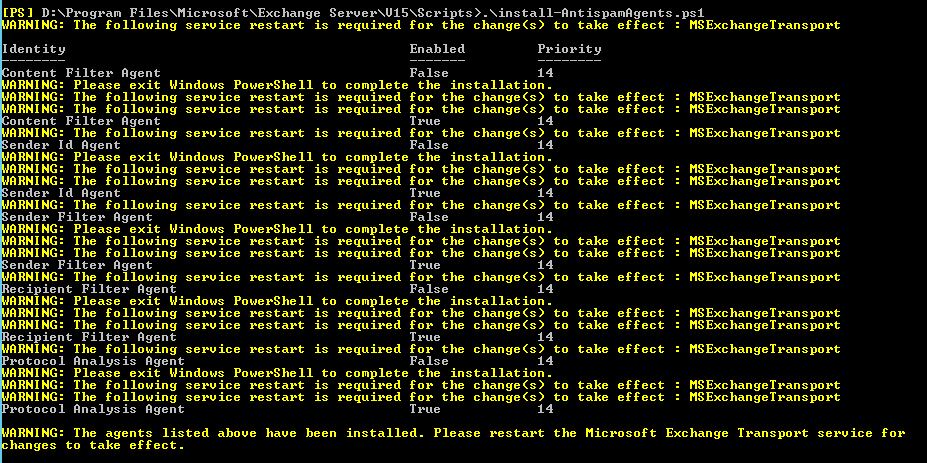
Once removed the line save it and run the script again

 Fix the Cloud